
Cloud & Microsoft 365

Microsoft 365 and cloud solutions for secure, flexible work

Our Microsoft 365 services cover everything from choosing the right Microsoft 365 licences to moving desktops, files and backups to the cloud — we plan, migrate and manage it so your team can work securely from anywhere.

What we offer

Cloud & Microsoft 365 services

As a Microsoft Partner, we help you get more value from the Microsoft 365 business tools you already pay for.

Microsoft 365 Licensing

Microsoft 365 licensing can be confusing, and many businesses pay for features they never use — or miss the security features they need. We review your users and requirements and recommend the most cost-effective licence mix.

We handle purchasing, renewals and changes as your team grows, and keep your licensing aligned with your security and compliance needs.

Talk to us about Microsoft 365 Licensing

Common questions

How much does Microsoft 365 cost in Canada?

Microsoft’s Canadian list prices (per user, per month, billed yearly): Business Basic CA$9.50, Business Standard with Copilot CA$31.90 and Business Premium with Copilot CA$43.40, plus tax. We confirm current pricing in your quote.

Can you buy and set up our licences?

Yes. As a Microsoft CSP partner we purchase your licences, configure your tenant and manage renewals, so you have one contact for billing and support.

Can our nonprofit get a discount?

Eligible charities and nonprofits can get Business Basic grants for up to 300 users and discounted pricing on other plans. We check eligibility and handle the registration.
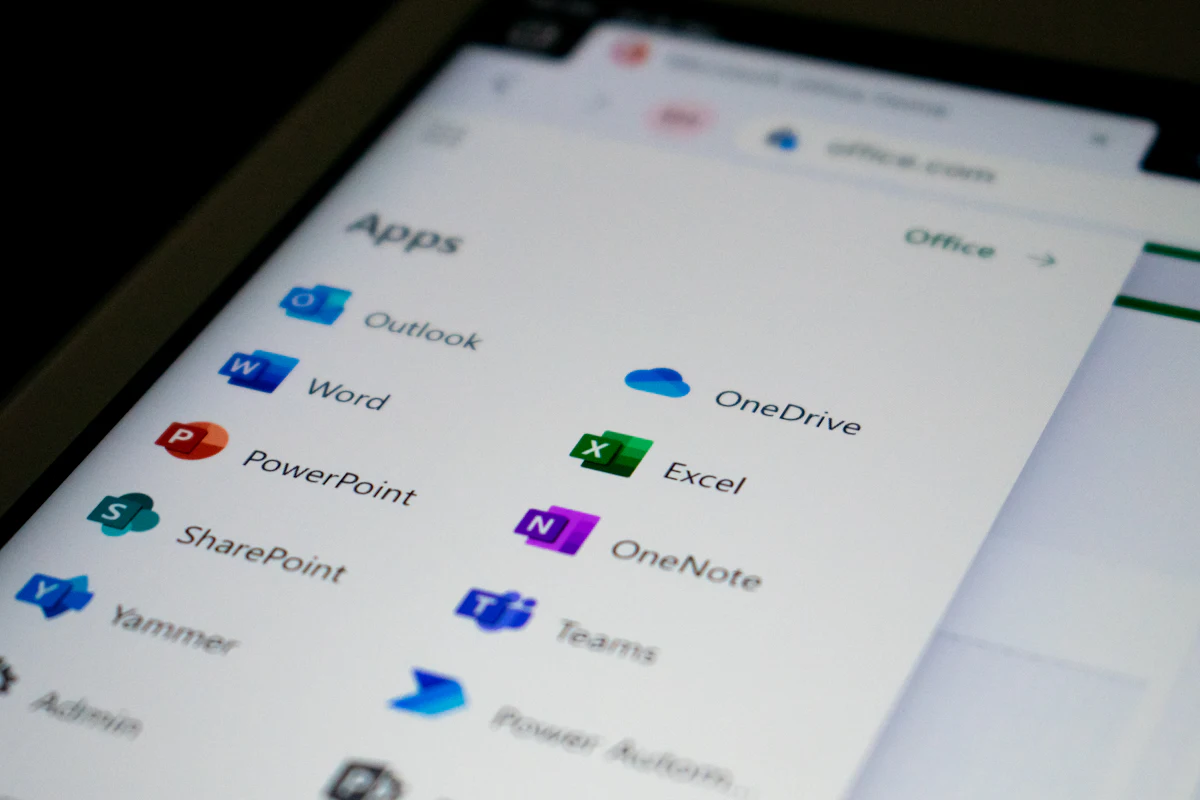
Microsoft 365 apps including Outlook, Word, Excel and OneDrive on a tablet

What’s included

  • Licence review and right-sizing
  • Purchasing, renewals and changes
  • Mixed-plan recommendations by role
  • Nonprofit and education licensing guidance
  • Ongoing licence management

Microsoft 365 Business Plans

We set up and configure Microsoft 365 Business Basic, Standard and Premium for your organization, including email, Teams, OneDrive and SharePoint. Existing mailboxes and files are migrated with minimal disruption.

After go-live, we manage users, security settings and updates, and help your staff make the most of the tools.

Compare Microsoft 365 Business Plans

Common questions

Which plan should we choose?

Basic covers email, Teams and web apps. Standard adds desktop Word, Excel, PowerPoint and Outlook. Premium adds advanced security and device management. Many businesses mix plans by role.

Does Business Basic include desktop apps?

No, Basic includes web and mobile apps only. You can also buy Office once (Office Home & Business 2024), but it has no business email, Teams or cloud storage, so a subscription suits most teams better.

Can we get email with our own domain?

Yes. Every Business plan includes a 50 GB Outlook mailbox on your own domain, such as you@yourcompany.ca. We set up the domain and migrate your existing mail.

Team video meeting on a laptop using Microsoft 365

What’s included

  • Tenant setup and configuration
  • Email and file migration
  • Teams, OneDrive and SharePoint setup
  • Multi-factor authentication
  • User training and ongoing management

Azure Virtual Desktop

Azure Virtual Desktop delivers Windows desktops and applications from Microsoft's cloud, so staff can work securely from the office, home or on the road — on almost any device.

We design, deploy and manage your environment, including eligible nonprofit programs and cost-optimized configurations.

Explore Azure Virtual Desktop

Common questions

Do we need our own servers?

No. Azure Virtual Desktop runs in Microsoft’s cloud, so there’s no server room to maintain. You pay for the capacity you use.

What devices can staff use?

Windows PCs, Macs, tablets, thin clients and web browsers. Staff get the same secure desktop wherever they work, and company data stays in the cloud.

Professional working on a Windows laptop with Azure Virtual Desktop

What’s included

  • Environment design and deployment
  • Application and profile setup
  • Security and access controls
  • Cost optimization
  • Ongoing management and support

Cloud Computing

Cloud computing reduces the need for on-site servers and makes your systems easier to scale and protect. We assess which workloads belong in the cloud, plan the migration and move them with minimal downtime.

Once in the cloud, we monitor performance, security and costs so your environment stays efficient.

Talk to us about Cloud Computing

Common questions

Does Copilot cost extra?

Business Standard and Business Premium are now sold “with Copilot” included. On Business Basic, Copilot can be added as a separate licence. We help you choose who needs it.

Can we switch Microsoft 365 providers?

Yes. Moving your licences to us changes only the billing partner; your mailboxes, files and settings stay as they are. We time the switch so there’s no interruption.

Cloud data centre server hall

What’s included

  • Cloud readiness assessments
  • Server and application migration
  • Azure infrastructure setup
  • Cost monitoring and optimization
  • Hybrid cloud configurations

Cloud Storage & Backup

Lost data can stop a business. We set up secure cloud storage and automated backups for your files, Microsoft 365 data and critical systems — and test restores so you know recovery will work when it matters.

Your team gets easy, secure file sharing, and you get peace of mind that data is protected against hardware failure, accidental deletion and ransomware.

Talk to us about Cloud Storage & Backup

Common questions

Doesn’t Microsoft already back up our data?

Microsoft keeps its service running, but deleted or overwritten files are only recoverable for a limited time. A separate backup protects you against ransomware, mistakes and departing staff.

How quickly can files be restored?

Usually within minutes, whether it’s one file, a mailbox or a whole site. We test restores regularly so you know recovery works.

Cloud storage and backup concept

What’s included

  • Microsoft 365 backup (email, OneDrive, SharePoint)
  • Server and device backup
  • Secure cloud file storage and sharing
  • Regular restore testing
  • Disaster recovery planning
Why Venus Systems

One accountable IT partner

1-hour response

Fast, guaranteed response when your team needs help.

24/7 monitoring

We watch your systems around the clock to catch issues early.

Microsoft Partner

Certified expertise in Microsoft 365, Azure and security.

Toronto-based team

On-site across the GTA, remote support for clients everywhere.

FAQ

Cloud & Microsoft 365 questions

Which Microsoft 365 plan is right for my business?

It depends on your users' needs and security requirements. Business Basic suits web and mobile users, Business Standard adds desktop apps, and Business Premium adds advanced security and device management. We recommend the right mix during your assessment.

Can you migrate our existing email to Microsoft 365?

Yes. We migrate mailboxes, calendars, contacts and files from most email systems, and plan the move to minimize disruption.

Is Microsoft 365 data backed up automatically?

Microsoft provides service resilience, but recommends separate backup for your data. We set up dedicated Microsoft 365 backup so emails and files can be restored when needed.

Do you work with nonprofits?

Yes. We help nonprofits access eligible Microsoft programs and set up Microsoft 365 and Azure Virtual Desktop cost-effectively.

Ready to Modernize Your IT Environment?

Secure, scalable, and business-focused technology solutions built for growth.

Book Consultation